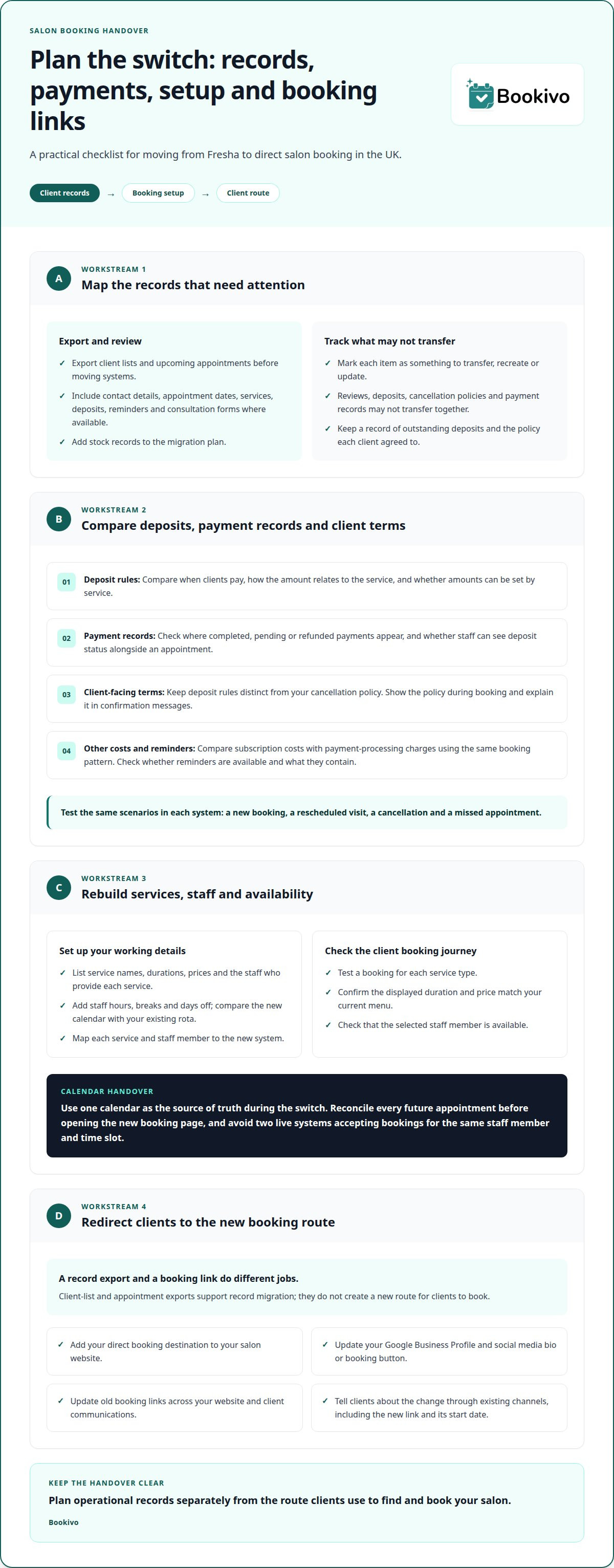
Switching from Fresha to Direct Salon Booking: What UK Owners Should Check
Planning to switch from Fresha to direct salon booking in the UK? Compare client records, deposits and schedules, then update old booking links with care.
A successful switch from Fresha to direct salon booking in the UK starts with choosing a system that suits the way your business manages appointments, client records and payments. It’s not just a matter of replacing a booking link: the details clients rely on need to keep working smoothly.
When comparing options, focus on practical differences rather than the longest feature list. Consider how you’ll handle future appointments and client information, take deposits and set up the new booking system.
This guide covers what to compare before switching, including how to update old booking links and prepare clients for a new way to book. Use it to plan the transition and choose a system that fits your salon.
Key Takeaways
- Map the client information and future appointments you need to carry across before choosing a new booking system.
- Compare how each option handles deposits, payment arrangements and the booking policies clients see.
- Plan the rebuild of your services, staff availability and schedules so the new setup reflects how your business works.
- Update old booking links across your website and client communications to guide people to the right place.
Client data ownership and marketplace visibility
Before switching, map the records, payments and links your salon needs to carry over. Client data, future appointments and marketplace discovery each need a separate transition plan.
Client data export and migration
Export client lists and upcoming appointments before moving systems. Include contact details, appointment dates, services, deposits, reminders and consultation forms where available. Map each service and staff member to the new system, including examples such as treatment durations and working hours. Add stock records to the migration plan too. Unlike changing links, this work moves operational information, not the route clients use to find you.
Direct booking without marketplace listings
UK salon booking software can support direct bookings through a branded booking website or booking link. Add that destination to your salon website, Google Business Profile and social media bio or booking button. This gives clients a route to appointments without relying on marketplace discovery. Compare how each option presents your salon and handles booking processing, commission and other charges. A salon booking software comparison can help frame that assessment.
| Option | Records to consider | Client discovery | Key distinction |
|---|---|---|---|
| Client-list export | Contact details and client notes | Doesn’t change discovery | Supports client-record migration |
| Appointment export | Future bookings and deposits | Doesn’t create a new booking route | Helps preserve appointment context |
| Direct booking link | New bookings | Website, profile or social link | Routes clients to your chosen booking page |
Choose the option that covers both records and the booking route clients will use.
Reviews, deposits, cancellation policies and payment records may not transfer together. What carries over depends on the available exports and the new system. Keep a record of outstanding deposits and the policy each client agreed to.
Announce the change through your salon’s existing channels. Update your website, Google Business Profile and social links, then message clients with the new booking link and its start date.
Before switching, review how your current system handles future appointments, client records, services, deposits, reminders, consultation forms and booking links. Note what needs to be transferred, recreated or updated. Keeping operational records separate from the routes clients use to book makes the transition easier to plan.
Deposits and protection against no-shows
Compare how each system handles deposits before moving your appointment calendar. Check when clients pay, how the amount relates to the service and where payment records appear. For example, you might request a deposit for a lengthy colour appointment but use different terms for a quick fringe trim. Set terms that reflect your services rather than applying one rule to every appointment.
Keep the deposit process distinct from your cancellation policy. Booking software can collect payment, but your written policy explains what happens if a client cancels, changes an appointment or doesn’t attend. Show the policy during booking and explain it in confirmation messages, so clients understand the terms before paying.
- Deposit rules: Compare whether you can set amounts by service and explain them before checkout.
- Payment records: Identify where completed, pending or refunded payments are recorded.
- Reminders: Check whether appointment reminders are available and what information they contain.
- Charges: Compare monthly subscription costs with payment-processing charges, using the same booking pattern.
Compare systems using the same appointment scenarios: a new booking, a rescheduled visit, a cancellation and a missed appointment. Note what each system records and whether staff can see deposit status alongside the appointment. This helps you assess the day-to-day workflow, not just the feature list.
Review the wording clients see before introducing a new process. Explain the deposit, cancellation terms and how clients can contact your salon about a booking. Automated reminders can reinforce appointment details, but they don’t replace a clear policy or a conversation about an individual change.
If a branded booking page is part of your comparison, preview how direct booking could look for your salon, including the path clients follow to book and pay.
Rebuilding services, staff and schedules on a new platform
Recreate your salon’s working setup before directing clients to the new booking page. Accurate service details and staff availability help make the handover manageable.
Services, staff and schedule setup
Start with a service list that includes names, durations, prices and the staff who provide each treatment. For example, list gel removal separately from a gel manicure if clients book them as different appointments. Add staff hours, breaks and days off, then compare the new calendar with your existing rota. This setup defines how future appointments can be offered and assigned, rather than moving client records.
Review the client journey using a test booking for each service type. Check that the displayed duration and price match your current menu, and that the selected staff member is available. A platform comparison should also cover subscription terms and payment arrangements. Options such as Bookivo can be included, but judge each against the same service and schedule requirements.
Avoiding double bookings and downtime
To avoid clashes, use one calendar as the source of truth during the switch. Set a handover point, then transfer or reconcile every future appointment before opening the new booking page. Don’t leave two live systems accepting bookings for the same staff member and time slot. The priority is to control when bookings can enter each calendar.
Use a short, ordered cutover process:
- Set the new services, staff hours and availability.
- Compare future bookings in both calendars and resolve overlaps.
- Test a booking, change and cancellation before sharing the new link.
- Close the old booking route when the new one is ready.
For example, before adding an existing colour appointment to the new calendar, confirm its date, staff member and deposit details. Check it against the salon’s current schedule, then tell the client which details remain unchanged. This helps reduce uncertainty during the move.
Redirecting old booking links
Old booking links may appear on your website, Google Business Profile, social profiles or in saved client messages. Plan how to update each channel before switching off the old route. A new booking link is only useful if clients can find it where they already look.
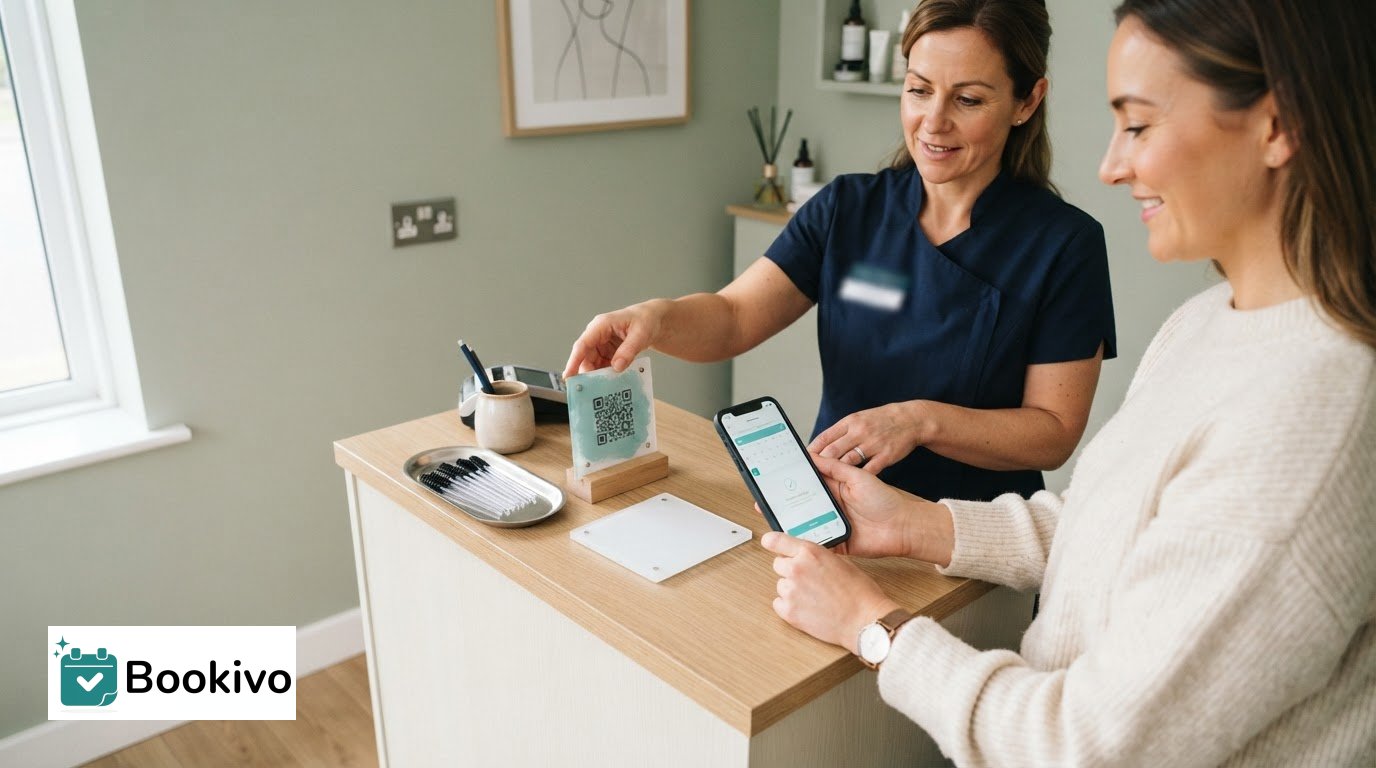
When you switch from Fresha to direct salon booking in the UK, list every place where the old link appears. Check your website’s booking button, contact page, email signature, social media bio and printed QR codes. Replace each with the new booking page. If you can’t edit an old link, tell clients where to find the replacement and remove the outdated link from future messages.
Review your Google Business Profile, which can direct local clients to your booking page. Replace the old booking link, then open the profile as a client would and confirm the new link loads and leads to the right booking options. Test the link from your website and social profiles too.
Manage client records and booking links as separate parts of the handover. Exporting or importing records won’t update links already shared online. Similarly, creating a new booking link won’t automatically replace the old one across every channel. Update each link individually.
Use a simple tracking list to record each channel, its current link, the replacement and the date you updated it. Include links in scheduled posts and saved replies. Test each destination on a mobile phone, where clients may tap through directly. Fix any errors before promoting the new link.
For clients with an old link saved, send a brief update through your usual communication channel. State that the booking route has changed, share the new link and explain whether existing appointments remain in place. A branded booking page preview can help you see how the new destination will appear to clients.
Bookivo
Bookivo gives salons a direct online booking route through a branded booking website, with appointments, deposits and online payments managed in one platform. There’s no marketplace commission on bookings, and the branded page gives clients a direct way to book with your business.
Use your transition priorities to decide whether Bookivo’s booking approach suits your salon, from the client-facing page to the way you manage appointments.
Make your next booking setup fit your salon
Switching from Fresha to direct salon booking in the UK is an opportunity to choose a setup that reflects your priorities, rather than simply copying your old process. Consider the booking experience you want clients to have and how you want them to find your salon.
Use those priorities to assess whether Bookivo fits your plans. A clear direction helps you manage the switch and create a booking experience that works for your salon.
Take the next step when you’re ready, and build a setup that works for your salon and its clients.
Frequently Asked Questions
So which Fresha alternative is right for you?
The right alternative is the one that matches how you want clients to find and book your salon. If you want a branded booking website without marketplace commission, Bookivo is one option to consider. Before switching, check what information your current provider allows you to export and what support each platform offers for transferring it. Compare this alongside day-to-day booking features.